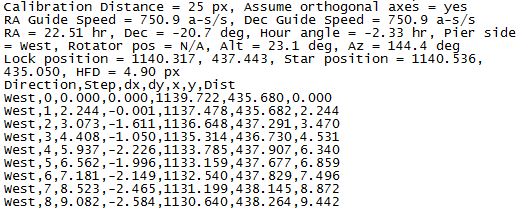
Sorry, I don’t quite understand the log. I believe you didn’t send the full log (usually the log starts with something like welcome to Kstars, so I could see which version of the software you’re running).
Could you please send the full log (or point to it on a google drive link or something like that) and also send a picture of all the settings you’re using–in the guide page, click on Options in the lower right corner
and take a screenshot of the Guide and Calibration sections of those options. Also, please let me know what software you’re running.
I’d be happy to try and help out.
One last thing, there’s a guide log that might be helpful. You can find that in a directory parallel to main logging directory, called guidelogs
and you’d find the guidelog that corresponds to whatever log you send.
[2020-09-09T10:17:10.551 CEST INFO ][ org.kde.kstars] - Welcome to KStars 3.4.3
[2020-09-09T10:17:10.551 CEST INFO ][ org.kde.kstars] - Build: 2020-07-18T05:21:35Z
[2020-09-09T10:17:10.553 CEST INFO ][ org.kde.kstars] - OS: “osx”
[2020-09-09T10:17:10.553 CEST INFO ][ org.kde.kstars] - API: “x86_64-little_endian-lp64”
[2020-09-09T10:17:10.554 CEST INFO ][ org.kde.kstars] - Arch: “x86_64”
[2020-09-09T10:17:10.554 CEST INFO ][ org.kde.kstars] - Kernel Type: “darwin”
[2020-09-09T10:17:10.554 CEST INFO ][ org.kde.kstars] - Kernel Version: “19.6.0”
[2020-09-09T10:17:10.554 CEST INFO ][ org.kde.kstars] - Qt Version: 5.14.2
Assuming your mount drive parameters are right, have you ruled out weight balance as an issue? Some mounts are pretty difficult to achieve correct balance by just loosening clutches and watching scope moves during setup. If not right, it will definitely show during calibration. If you’re not sure, I suggest the following:
Let’s say for discussion purposes you are imaging in the east (weights on the east side of pier/tripod). If you can’t get RA reverse calibration to behave, it might imply you have too much west weight (i.e. you need to move weights down a bit on the shaft). If you are struggling while imaging west (weights on west side), it would mean you need to slide weights up the shaft. The amount to move is subtle and specific to your gear. If you want to experiment, don’t get carried away. Try to remember where you started, make small weight adjustment(s) on the shaft, and then test calibration again. If balance is the issue, you’ll notice that responses (how far each calibration step gets) will change. You might have less distance response in forward RA, but start picking up reverse motion that you don’t currently have. With a couple of tests, you should get a good feel for weight sensitivity on calibration. In the end, the balance goal should be very slightly east heavy (keeps a load on the drive while minimizing oscillation). This trick works for RA and DEC. Anyway, something easy to try as you continue debugging. Good luck!
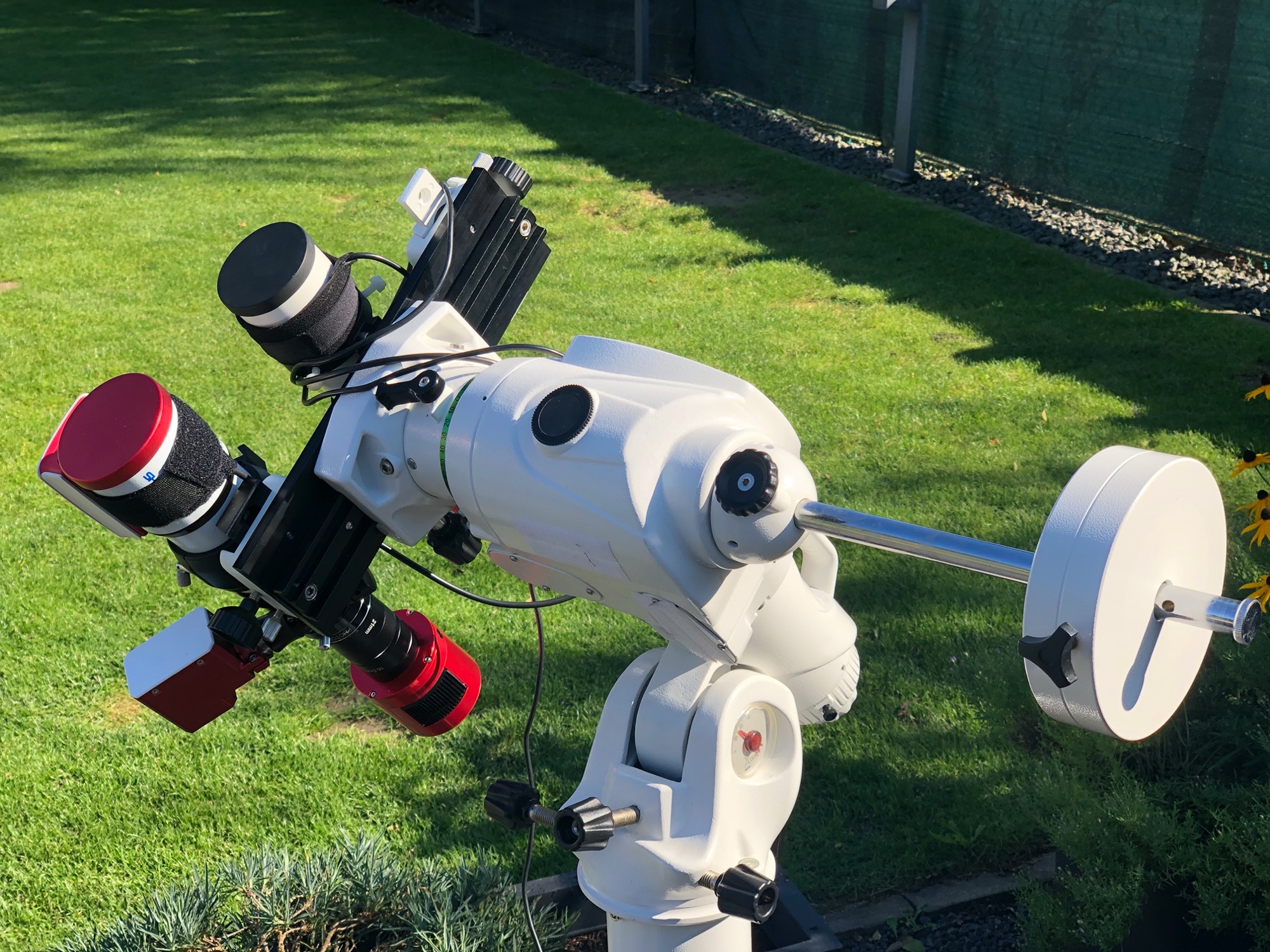
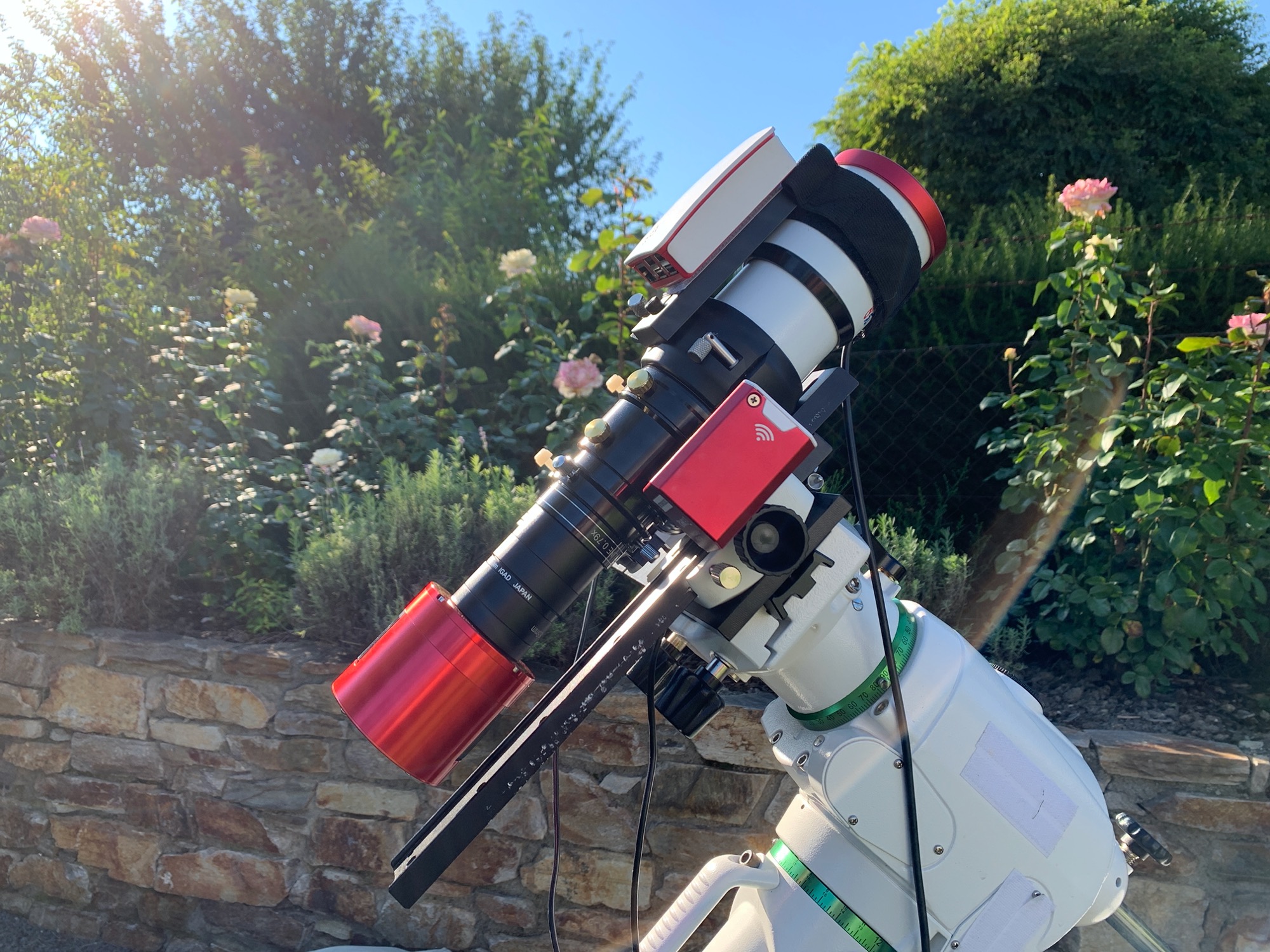
thank you for the detailed hints. I just tested the balancing of the mount and I set it to equal weights on the RA axis as you can see in the photo. Maybe I am a bit dumb at this, but when I turn the setup around this axis it always moves counterclockwise, regardless if I let it go with the weight to the east or the west.
1.) When calibration yesterday actually finished once, I was able to decently guide within 3 arc secs tolerance, so I assume the actual setup was not too bad. Is that correct?
2.) I can actually not balance the DEC axis as I can’t move the setup that much to the front with the short dove tail plate. Do you recommend getting a bigger one to be able to balance DEC as well?
3.) Where can I see the calibration steps, you mentioned?
Sorry for the basic questions, hopefully that helps other board members as well to solve similar challenges.
2] Yes, get a bigger dove tail. Balance is crucial on both axes. With my HEQ5 I get guiding RMS well below 1” on both axes so it is worth it.
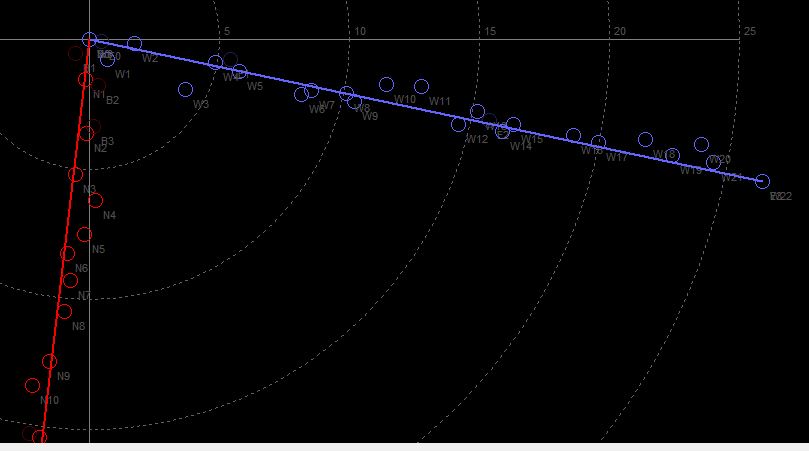
3] To the lower left is a drift plot. It is in a tab and one of the other tabs is the calibrarion plot.
I agree with Wouter that balance in both axes should be the goal. Seems you have it now (although maybe you could redistribute or dead-weight your orig dovetail if you need the other one elsewhere?). About the calibration steps, besides the cal plot, you can look in the guidelog (can’t remember if you need to enable verbose & file mode or not). The calibration section of the log will show the step size magnitudes. I use PHD, but the internal guider has a similar plot/log
After balancing out both axes it works like a charm stable and reliable for more than an hour tonight. Calibration went through the process in a few seconds and I am currently taking 5 min exposures with a guiding deviation around 1,5"
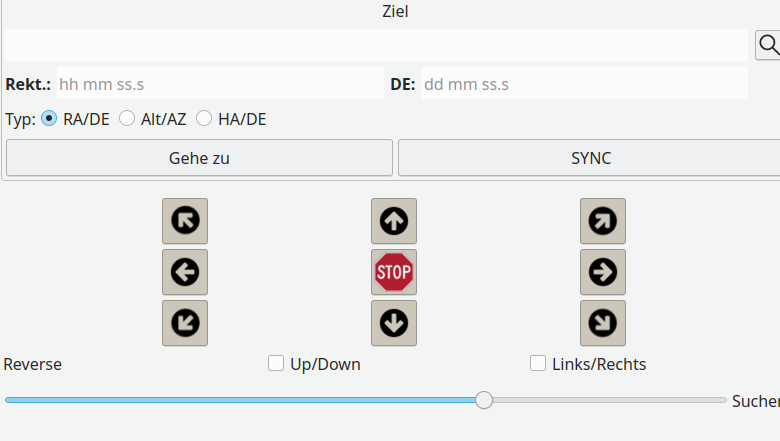
it would be helpful to see one of your drift plots. Also, what do your imaging trains look like? If you try to move your mount via the 8 buttons in the mount tab, does the mount move as expected?
thank you for your reply. Actually I managed to solve the issue last night. I had not set Indi to send to correction commands to the mount directly. Once changed, it worked perfectly within 2 arc secs.
Interestingly the scope seems to be that good polar aligned (I use a fix concrete-pole in the backyard meanwhile), that it managed to get to DEC drifting reverse without any corrections.
BTW, wouldn’t it make more sense to place this setting in the guiding preferences in the first place? Does it HAVE TO reside within imaging train prefs? From the user perspective it clearly belongs to guiding prefs IMO.
Definately. And I would recommend to also include this hint in the error message when guising calibration fails. maybe this can even be monitored to see if the correction commands are acknowledged and executed by the mount.