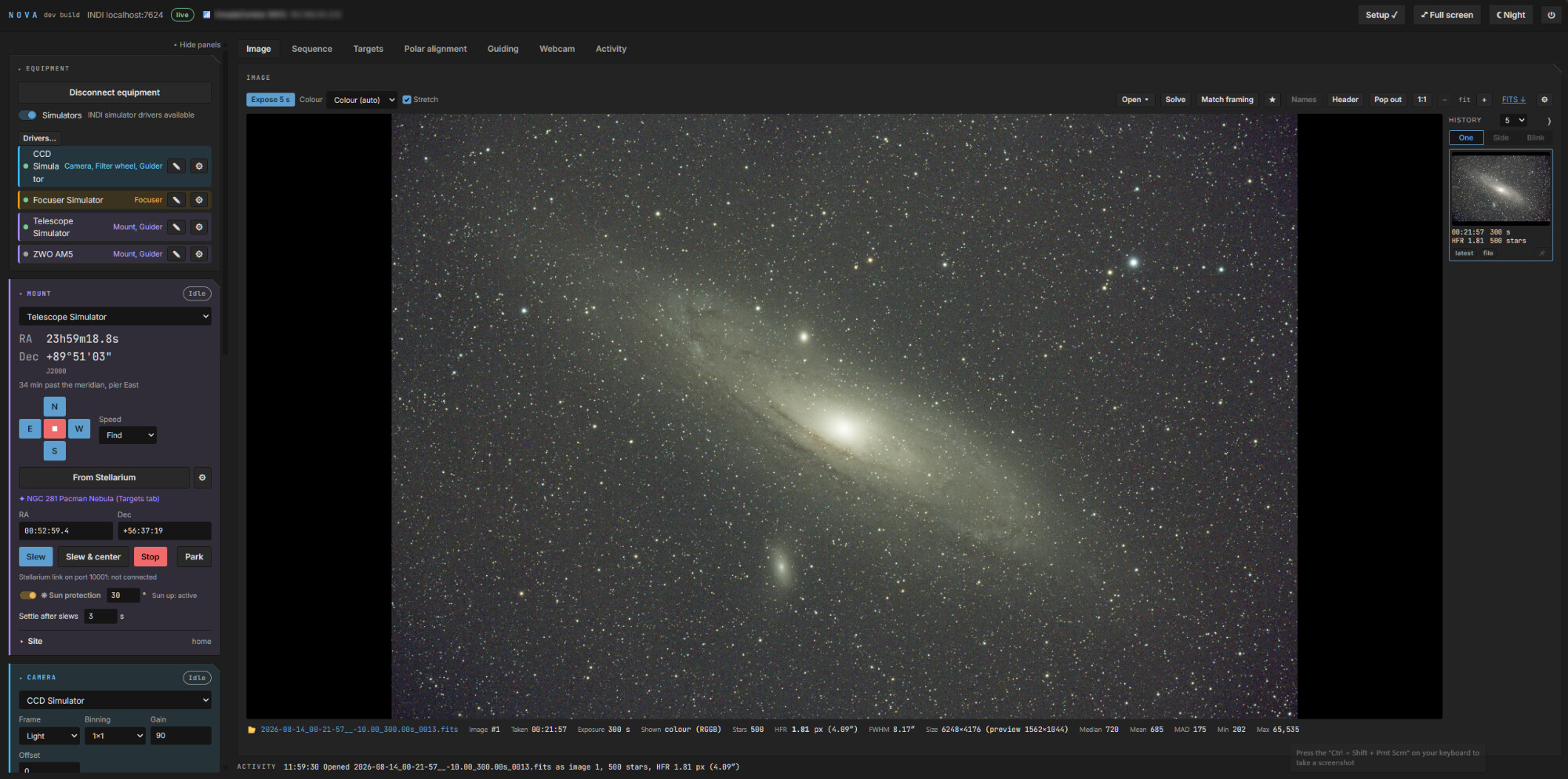
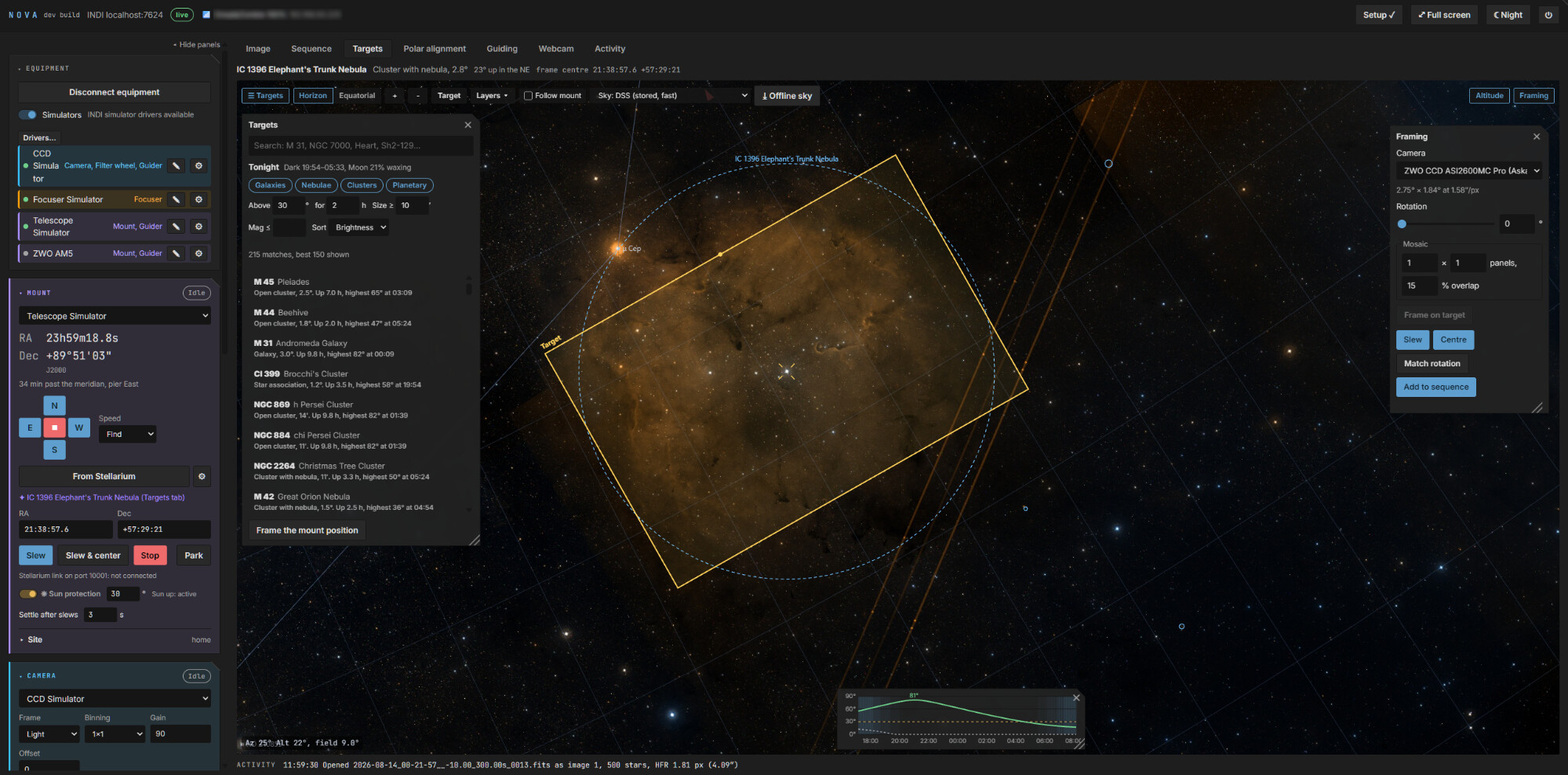
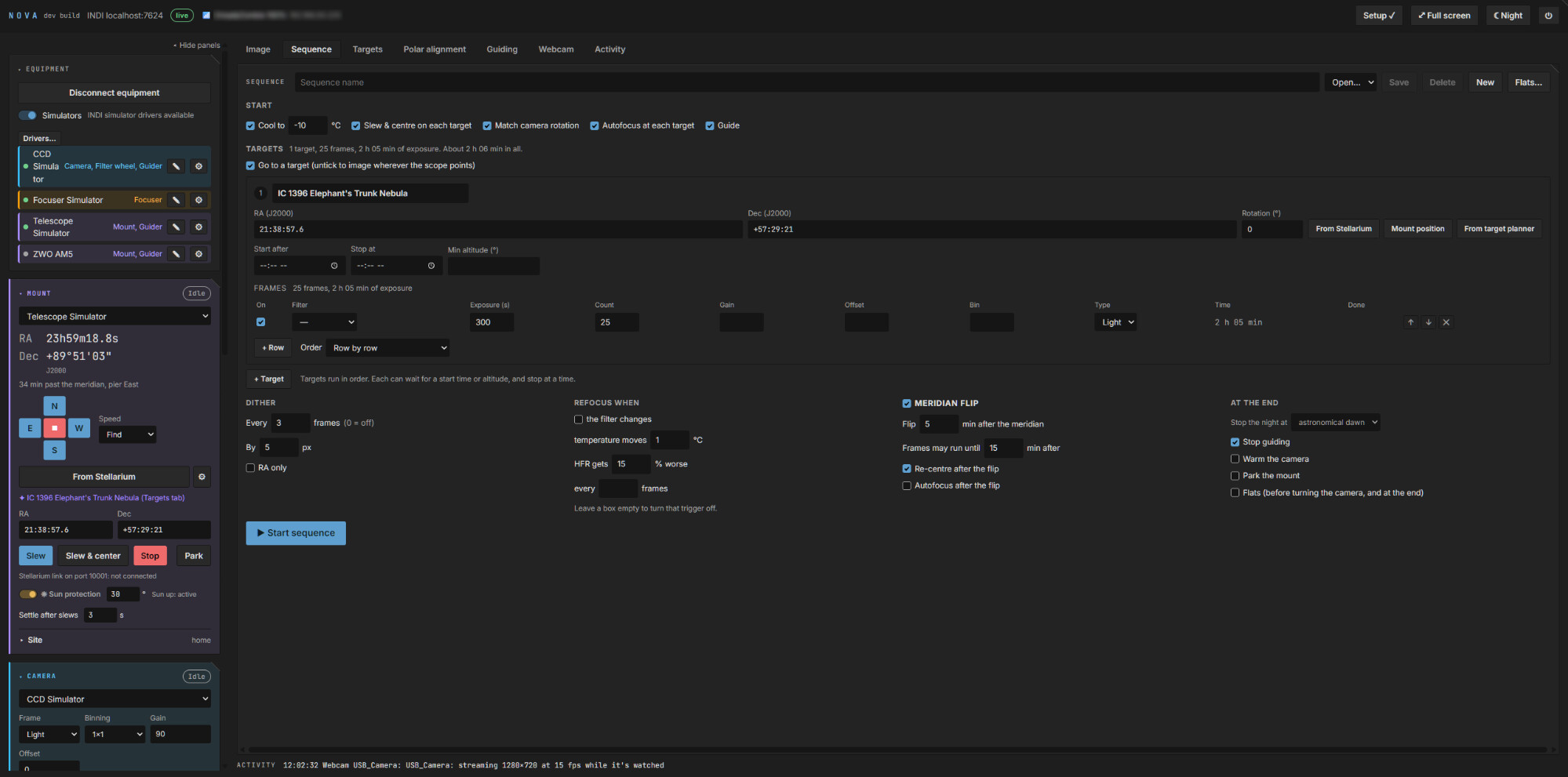
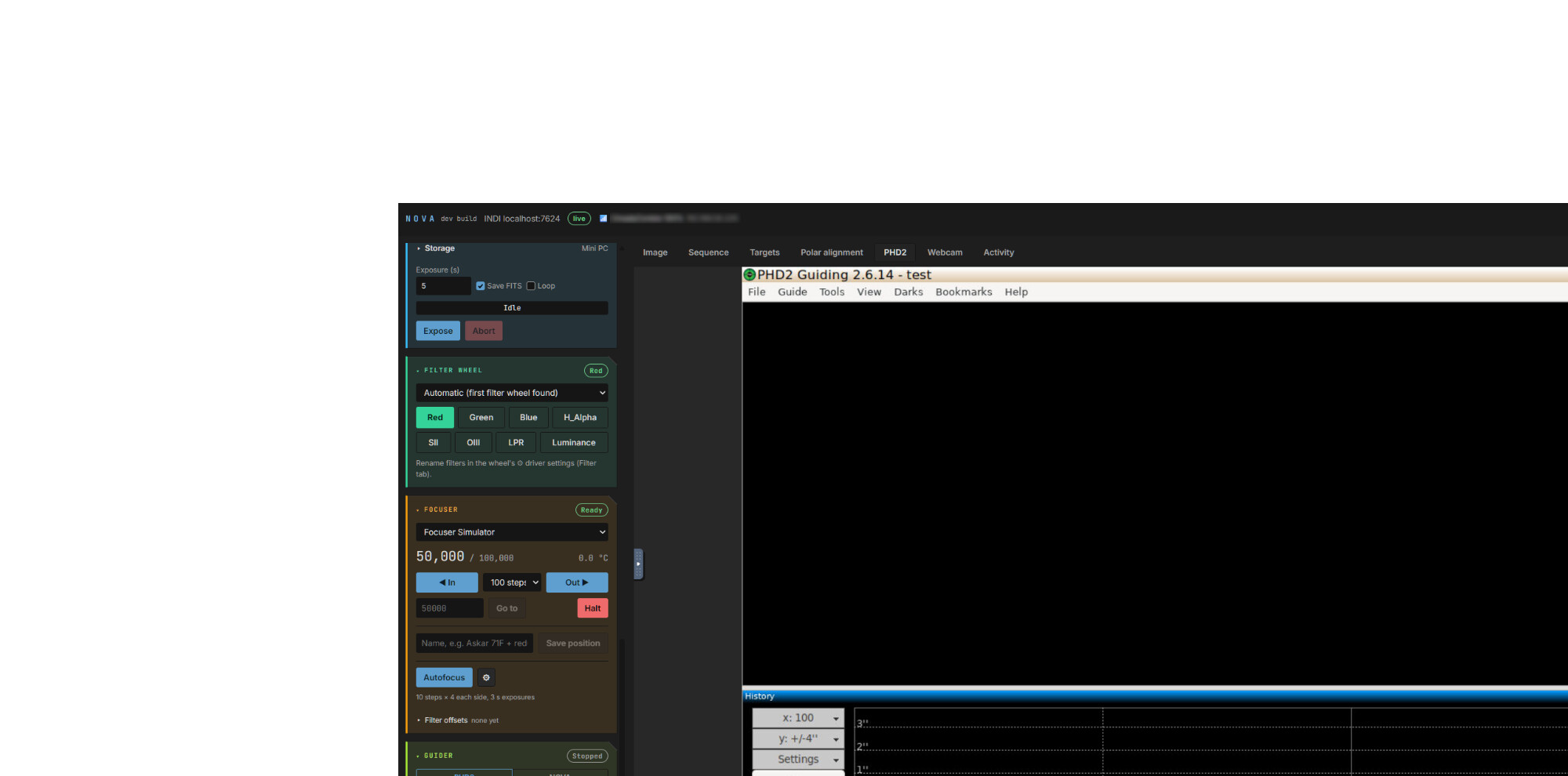
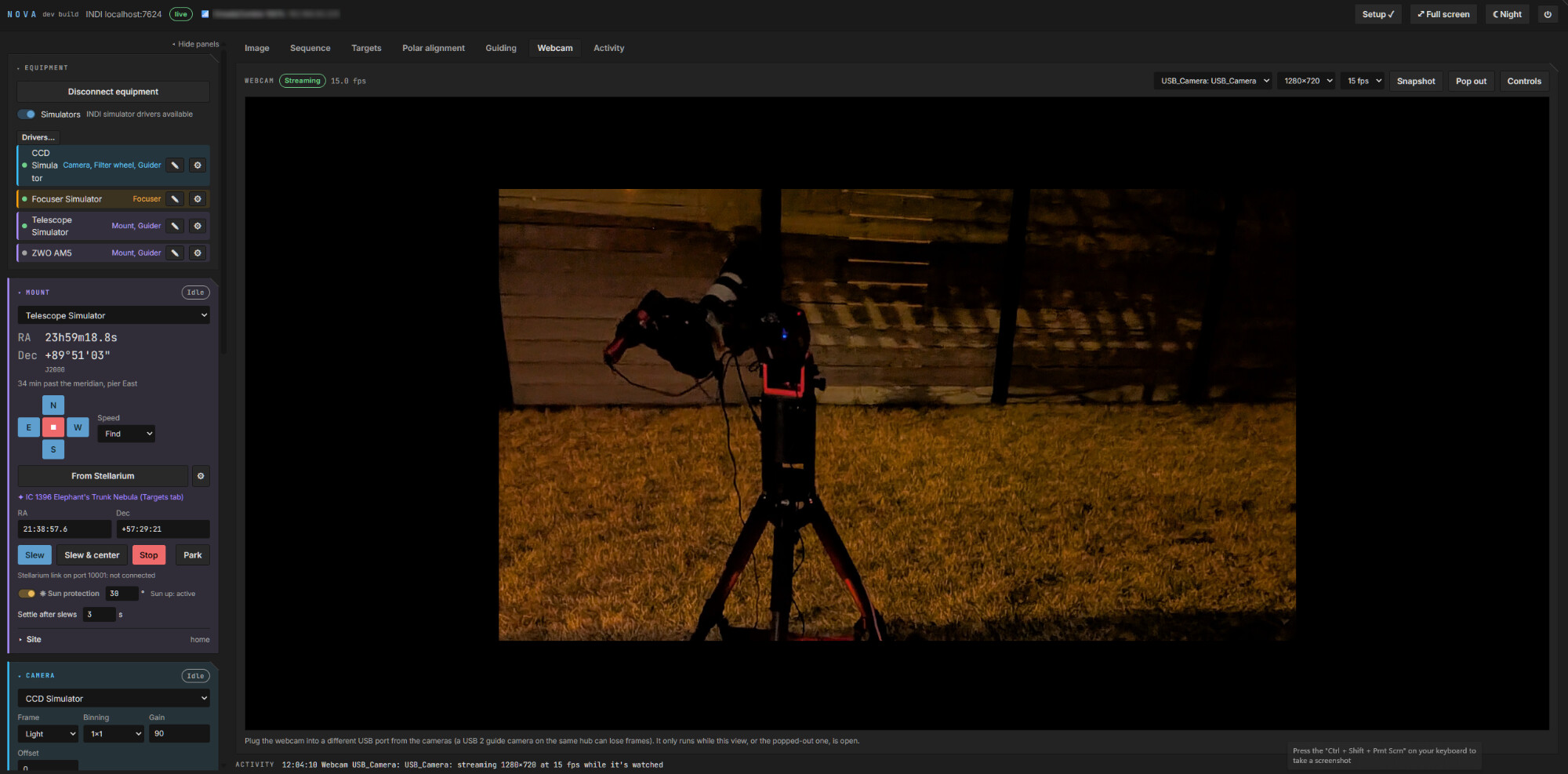
NOVA runs on ubuntu server (or other linux distros ) on a mini pc at the telescope and serves up a web interface that any browser on the network can control. It uses INDI server for the hardware layer.
I made it as I was frustrated with windows/NINA, mostly because windows kept running updates at weird times, not starting a hotspot in the field, and I encountered many times where my asi camera was failing to download.
So far I have had some good sessions with NOVA and I am working out the bugs. I’d like some feedback and testers for equipment i don’t own, as I have only tested with ZWO AM3, ASI2600MC pro, guide cam and eaf from zwo. Testing of other brand equipment and filter wheels, rotators and flat panels etc would help as i’ve only done tests with the simulator drivers.
I like it very much so far. Modern look and feel and feels very snappy on a raspberry 4 and and safari on an iPad. Will test it later with some real astronomy gear … .
Thanks, I need some testers as I’m not getting many clear nights at the moment. Currently I’m working on a more.compact layout for ipads and phones that is looking promising.
I take it you could install this for testing on a Quieter 4C w/Ubuntu 26.04 and Kstars already installed via flatpack without hurting the current flatpack install?
Yes, that should be fine. The Flatpak KStars lives in its own sandbox with its own copy of INDI, and NOVA doesn’t touch any of it. NOVA installs to /opt/nova with its settings in /etc/nova, and pulls in the normal system INDI packages alongside.
Two things to know before you try it:
Don’t run both at once. NOVA starts its own INDI server at boot (port 7624) and holds the mount and cameras. If you then start Ekos with its own local INDI server, it’ll clash over the port and the devices. When you want to use KStars, stop NOVA first:
sudo systemctl stop nova indiserver phd2
and to keep them from starting at boot, use disable --now instead of stop. Start them again to go back to NOVA.
It does make some system-wide changes. The setup script adds the INDI PPA (and the PHD2 one if you choose PHD2), installs a few system packages (Avahi, Bluetooth, hostapd, ffmpeg and similar), adds your user to a few groups for device access, and adds some systemd services and polkit rules. It also adds a public NTP pool to chrony if yours only uses Ubuntu’s secure time servers. None of that affects a Flatpak app, but it isn’t a zero-footprint install, and there’s no uninstall script yet, so removing it is a manual job.
Great software! I really like it! It’s quick and easy to install! I also appreciate that remote control - with low data usage - can be performed from any browser. I’ve already set it up for two small telescopes and have captured quite a few hundred images with it so far. Big thanks! (Unfortunately, the sky here is going to be poor for the next few days.)
15 and 20 cm SW telescopes on EQ5 and HEQ5 mounts. The older HEQ5 mount is controlled by OnStep, while the EQ5 uses the standard EQMOD. Tracking on the EQ5 is also excellent with NOVA’s built-in guiding algorithm.