Hi everyone,
Like many of you, I love spending clear nights out with the rig (currently shooting with an Askar 80ED, AM3N, and an ASI585MC Air). However, as much as I enjoy deep processing in PixInsight or Siril, after a long night out I don’t always have the time or energy to spend hours tweaking dozens of parameters. Sometimes I just want to plug the ASIAIR USB drive straight into my phone in the field to see what the session actually yielded, or run a quick stack on the PC without fighting the software.
Out of that personal need, I spent the last few months building PixAstro, and I’d love to share it with you to get some honest technical feedback.
The goal wasn’t to build another complex pro suite, but a tool that automates the heavy lifting without butchering the data:
-
Drop the folder and go: You just drag in your session folder. It automatically figures out which frames are Lights, Darks, Flats, and Bias from FITS headers, filenames, or image statistics (supports FITS, camera RAWs, TIFF, etc.).
-
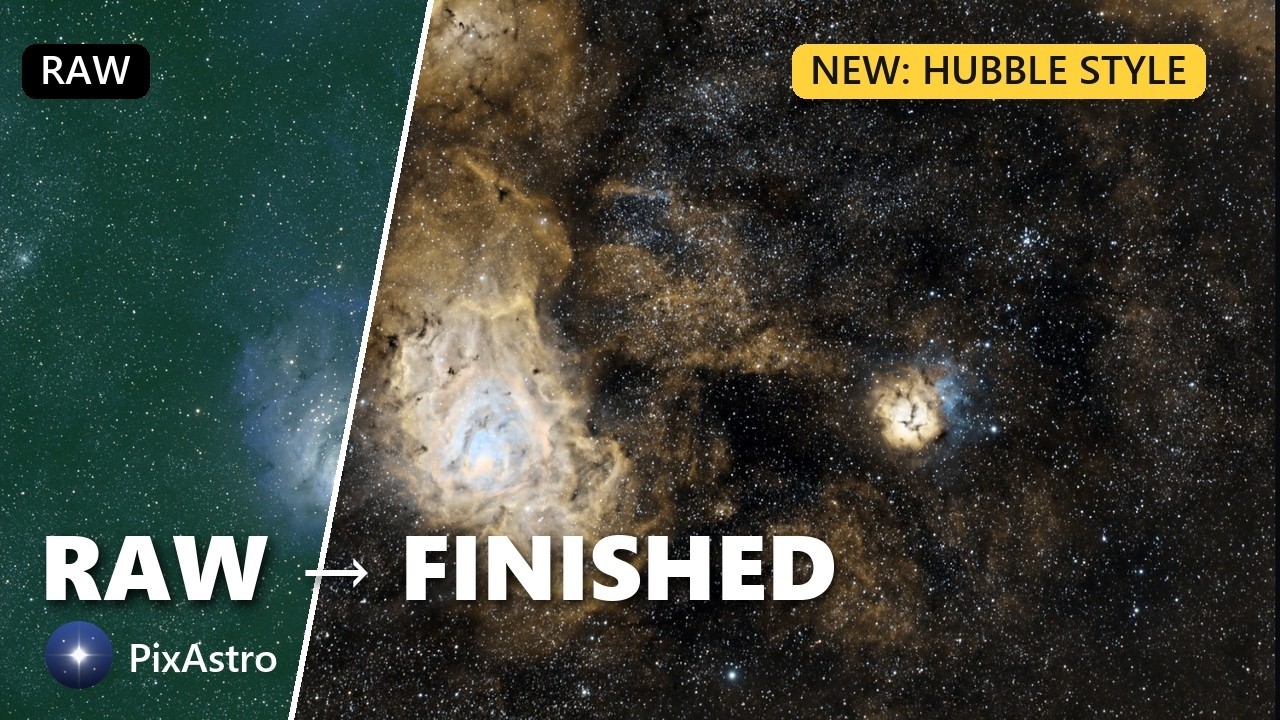
Full pipeline in one click: It runs calibration, quality analysis (discarding bad subs, hot pixels, and satellite trails), star alignment, weighted stacking, gradient extraction, color calibration, PSF deconvolution, color-preserving stretch, noise reduction, and star reduction.
-
Narrowband & Mosaics: Recognizes filters for LRGB, HOO, or SHO. Dual-band filters on OSC cameras (like the L-eXtreme) are automatically detected and composed as HOO. If you drop multiple panels in, it stitches a seamless mosaic automatically matching background and overlaps.
-
Automatic or “Guided” Mode: If you want more control than the 1-click auto mode, the Guided mode gives you 1 to 3 straightforward sliders per step with a live preview.
-
100% Offline & Portable: It works completely offline, requires no account, sends zero data anywhere, and never modifies your original files. On Windows, it’s available as a single standalone
.exewith no installer needed (also on Microsoft Store, macOS Apple Silicon, Linux, and Android on Google Play – iOS coming soon).
If you have a cloudy night and an old dataset lying around (I even tested it with the classic Siril tutorial datasets alongside my own captures), you can check out some before/after sliders, a 3-minute walkthrough video, and the downloads here: https://pixastro.org
I’d really appreciate your thoughts: how does the auto-pipeline handle your specific cameras and skies, where does it fall short, and what would you tweak?
Thanks for taking a look and Clear Skies! Fernando
(Plastelino)